
The Pipestone County Court Calendar
The official Pipestone County Weekly Public Court Calendar from the court is a searchable PDF, though the direct file name reads dailyCalendar.pdf. It lists public hearings in Pipestone County District Court. A find tool can spot a name fast. Your device's PDF search pulls up a party or attorney name in seconds. Know the limits, though. This calendar is not an all-case index, and it is not the complete Register of Actions. Several things can keep a case off the list. No public hearing is set, the matter is confidential, or Minnesota public-access rules limit what displays remotely. The case record also holds many more events than a single Pipestone row. Pull up MCRO Case Details when you have a Pipestone court file number or a matching result. Case Events there give the fuller picture.
Pipestone Court Calendar Updates
Per the Pipestone court, the online calendar goes up at 7:00 a.m. each business day. Updates follow every hour. The court also notes its printed calendars. The ones in the Pipestone public lobbies and outside the courtrooms carry the most current daily information. Those two official views can disagree. A downloaded PDF goes stale, and a last-minute update can land after posting. The case, the judicial officer, or the courtroom assignment can also change before a hearing. Keep your Pipestone hearing notice close. That notice is the strongest participant-specific word on where and how to appear. The public calendar serves as a broader scheduling check. One caution deserves its own line. A missing online row does not mean a Pipestone County hearing was cancelled, continued, or dropped from the court schedule.
How to Find Your Pipestone Court Date
When a Pipestone County court date matters, check more than one official channel. The local PDF is the direct route. The MCRO Hearing Search works by name, case number, judicial officer, or attorney. Filters cover hearing date, category, and county. MCRO Case Details adds both upcoming and previous Pipestone hearings. The courthouse printout and your hearing notice supply the most current context. Keep both close.
- Search the Pipestone PDF by party or attorney name if a public hearing is expected.
- Run MCRO Hearing Search by name, case number, judicial officer, or attorney and select Pipestone County.
- Open Case Details to compare the Pipestone hearing list and Register of Actions.
- Read the Pipestone hearing notice for the required appearance instructions and any remote details.
- Check the Pipestone lobby calendar or call Pipestone Court Administration when the date is imminent or the sources conflict.
Prefer the phone? Call Pipestone Court Administration at (507) 690-7004. The court can confirm local setting questions and explain a missing-record route, though a call never changes a scheduled setting by itself.
Pipestone Court Hearing Routes
Hearing Search comes with its own MCRO modes. Its Name, Case Number, Judicial Officer, and Attorney controls shine when the Pipestone calendar PDF gives no match. They help once you hold a specific identifier. A Pipestone hearing result shows the hearing type and date. From there, View Case Details opens the fuller record. Use the county-location controls and select Pipestone to focus the statewide search. A same-day hearing can linger in the Upcoming list until the system catches up. That lag is real. Your Pipestone notice, the court administrator, and the printed current calendar still matter. Even a web result does not replace them. The calendar is a source for scheduled public hearings. It is never a substitute for current direction from the Pipestone court.
Reading a Pipestone Court Setting
Read the whole calendar row. Date and time identify the scheduled Pipestone event. The other fields make it verifiable. A Pipestone court date is neither the filing date nor an outcome. The case number matters most. The same person or party name can appear in more than one matter.
| Party Name | The person or organization shown in the public calendar row, subject to access restrictions. |
|---|---|
| Hearing Location | The listed court location; compare it with the notice before appearing. |
| Hearing Date and Time | The scheduled setting, which can move after publication. |
| Judicial Officer | The officer shown for that row; assignments can change. |
| Hearing Type | The procedural label, such as a review or violation hearing, not the outcome. |
| Connection Type | A participant category shown in the PDF, not a public remote-meeting link. |
| Case Number | The best tie between the calendar row, MCRO Case Details, and the hearing notice. |
Pipestone Court Calendar Fields
Connection Type trips people up. In the Pipestone PDF it marks a participant category such as Defendant or Attorney. It is not a Zoom link. Nor does it grant any authority to join a remote Pipestone hearing. Minnesota's remote-hearing rules send participants to the information supplied directly by the Pipestone court.
- Setting
- A scheduled court event. It can be moved, cancelled, or continued, and it is not an outcome.
- Judicial Officer
- The judge or other officer displayed with the hearing. A case assignment can change.
- Hearing Type
- The label for the event's procedural purpose, not a final disposition.
- Case Events
- The chronology in MCRO Case Details that provides context beyond the calendar row.
Remote exhibits follow separate rules. For Pipestone exhibits in a remote proceeding, follow the Pipestone court notice and the Minnesota Digital Exhibit System instructions where applicable. A public calendar search shares none of that. It provides no participant materials and no private meeting credentials.
Pipestone Court Calendar Resets
A reset just moves a Pipestone court date. Nothing gets erased. The old calendar entry stays in the case history. The case itself is still alive. For the current picture, look at the newest Case Events entry, the active Hearing list, and the refreshed Pipestone calendar. When a date is near, the printed calendar at the courthouse and Pipestone Court Administration are the best local confirmation.
A phone call or email will not change a Pipestone hearing on its own. Under the Fifth Judicial District continuance guidance, the scheduled date stands until the court confirms a change. Want a later setting after that? The guidance treats it as a motion. An affidavit and any filing fee that applies come with it.
Note: Carry a current notice or court confirmation with any date taken from the public calendar. Schedules can shift after the PDF updates.
Pipestone Court eCheck-In
Minnesota offers eCheck-In in most counties. It covers eligible Pipestone adult criminal and traffic cases, plus a few other listed case types. Pre-check-in opens six calendar days before a Pipestone hearing. It also runs on the hearing day itself. Use the name on your hearing notice and a court file number or birth date. Confirm eligibility in the live service before relying on it.
Checking in does not excuse you from attending. A remote participant still joins the Pipestone hearing and identifies themselves as instructed. Anyone with an in-person setting follows the notice. One more limit matters here: witnesses, victims, and attorneys are not parties for eCheck-In. Treat it as hearing preparation, not a public search channel.
What To Do If You Miss a Pipestone Setting
Missed a Pipestone hearing? Start with the hearing notice, MCRO Case Details, and the current Pipestone calendar. Look there for any update. Then call Pipestone Court Administration promptly at (507) 690-7004. Have the court file number handy if you know it. Staff can tell you how to reach the case. Never assume a missed setting was reset, dismissed, or cancelled on its own.
For a Pipestone County missed court setting, follow the notice and court direction as soon as possible. The public calendar alone cannot establish the next required action or replace a court order.
Need legal advice about consequences or a formal response? That calls for a qualified legal professional. Court staff can explain procedure and records, but they cannot give a legal opinion or set a new date by phone.
Pipestone Court Calendar Access
The same rules that limit case records also limit calendar access. Confidential matters stay off the list. So do cases that Rule 8 bars from remote access. Remember what the calendar shows: scheduled courtroom hearings only. It cannot prove a public case exists. It cannot prove a case has no hearing. And it cannot show that every filing is open for inspection.
Pipestone Court Administration
416 S. Hiawatha, Pipestone, MN 56164
Weekdays, 8:00 a.m. to 4:30 p.m.
(507) 690-7004
For accommodations, the local court administrator is the published Pipestone contact. The Minnesota Judicial Branch ADA contacts page lists the official accommodation route.
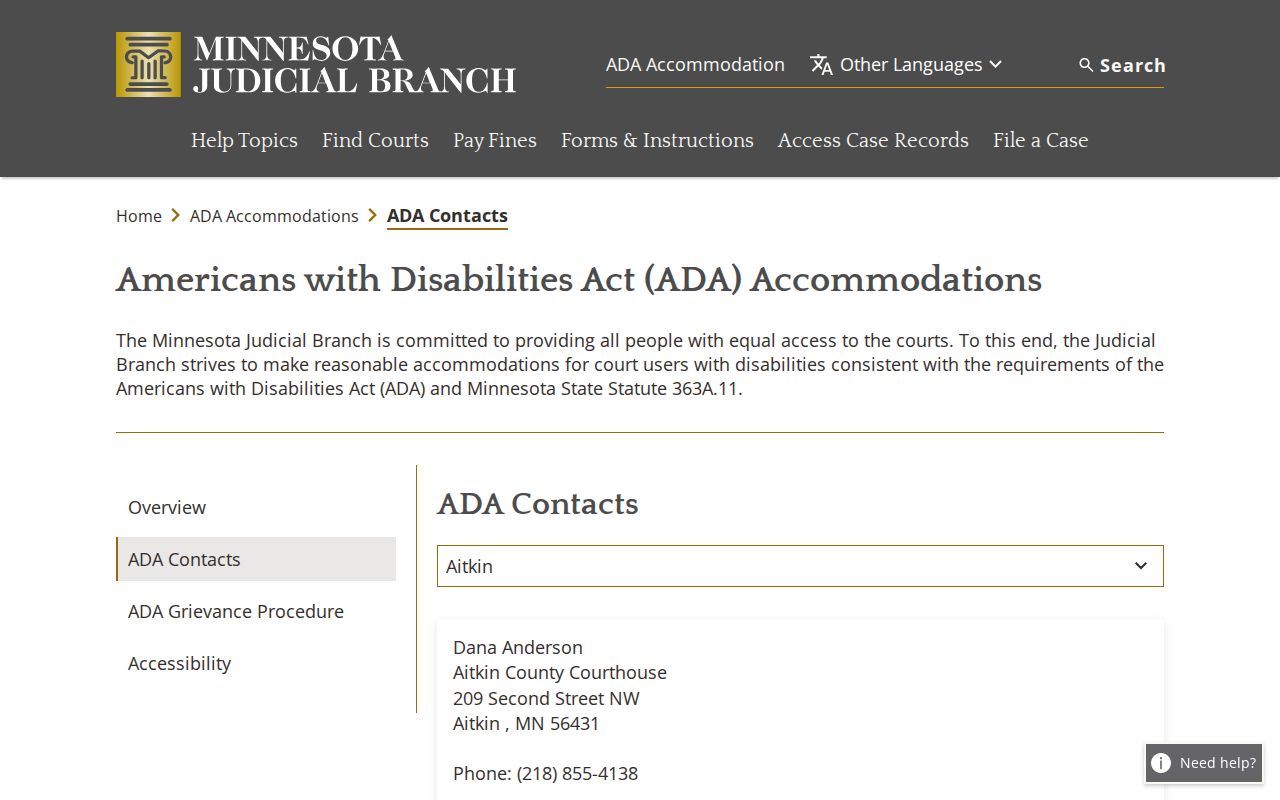
The statewide contact resource lets you raise access needs. It does not touch the separate processes for case records or hearing confirmation.
Need a calendar-related order or notice? The statewide Copy Request Form can request an identified record. A copy is not a live setting, though. A later reset can move things. So confirm a current hearing through the notice, the local printed calendar, or Court Administration.
Pipestone Court Calendar Boundaries
The Pipestone public calendar and MCRO cover Minnesota district-court matters filed in the county. Federal, appellate, and bankruptcy cases live elsewhere. Each has its own calendar and docket. Pipestone County does sit on the federal Fourth Division list. But federal dates never appear on the county district-court PDF or in MCRO.
The PACER announcement page identifies the separate federal electronic court system. That system handles federal docket access.
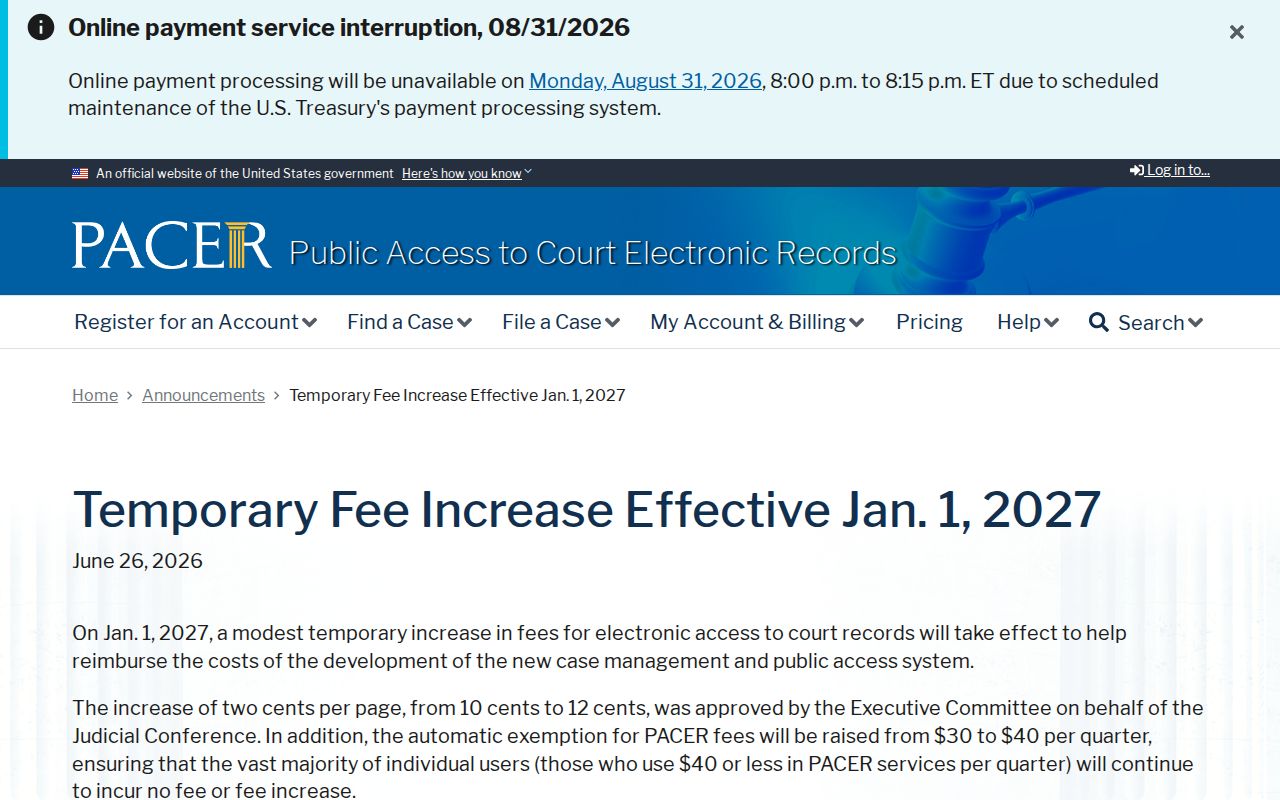
A caption or notice may name a different court. Use that court's own calendar system then. A Pipestone County calendar search is not the whole story in that situation.
Appellate matters run through the Minnesota Judicial Branch appellate route. That route includes P-MACS, not the district-court calendar. For a state case, though, the weekly PDF, MCRO Hearing Search, Case Details, the hearing notice, the lobby printout, and Court Administration all have a role. Together they make a solid confirmation chain. Each source answers a slightly different question about dates or records.