
How to Search Pipestone Civil Dockets
MCRO Case Search covers Pipestone County civil court records statewide. Accept the terms first. Then enter a full Pipestone court file number if you have one. With only a name, filter by Pipestone in the county control. Add a case category or a filed-date range. Another public filter can cut the noise. A search-result row is just a pointer. Open Case Details for the Pipestone matter to reach the Register of Actions. That is the fuller civil docket view.
The Pipestone County District Court handles civil, family, probate, juvenile, criminal, and traffic filings locally. No separate Pipestone civil or small-claims portal exists. When a public result is older, incomplete, or unavailable remotely, turn to local help. The courthouse terminal and Pipestone Court Administration are the local alternatives.
- Open MCRO and accept the public-search terms.
- Enter the Pipestone court file number, or search a party name and select Pipestone County.
- Select Civil, Family, or Probate or Mental Health as the Pipestone matter requires.
- Open Case Details and read the Pipestone case header, party roles, events, hearings, and disposition.
- Use Document Search or Pipestone Court Administration for a public document or official copy.
Pipestone Civil Docket Categories
The MCRO category choices matter. Civil and Family are separate options. Probate or Mental Health is combined into one. The Pipestone court hears civil, family, and probate matters, but picking a category is a search aid, not a promise that every Pipestone filing under that label is public online. Choose the closest category, then confirm the case type shown in Case Details.
Minnesota law backs this routing. Minnesota Statutes section 484.01 sets out the district-court jurisdiction that places Pipestone civil docket matters in Minnesota District Court.
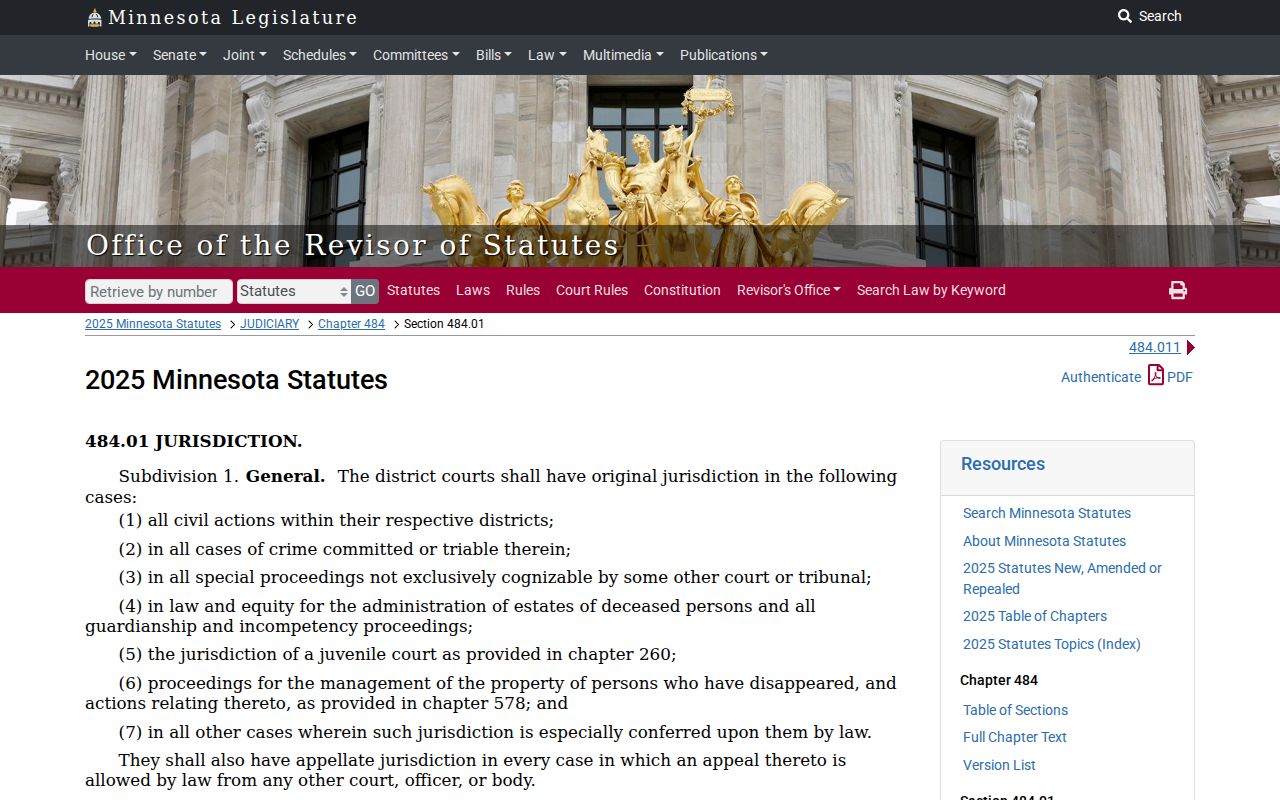
That jurisdiction statute also helps you sort records. It separates a Pipestone state district-court case from Pipestone city administrative material. The two live in different records systems.
A city portal may hold ordinances, meeting minutes, or administrative files. None of that becomes a Pipestone civil docket. The topic merely touching the city does not change that. Before choosing a search system, confirm the venue printed on the record.
What a Pipestone Civil Docket Shows
A Pipestone civil Case Details view shows plenty. Expect the case caption, filing date, and venue. Court file number, case type, judicial officer, and Open or Closed status appear too. Party roles, attorneys, related cases, and public financial or judgment information may appear as well. Case Events inside the Pipestone Register of Actions list the dated activity. That timeline starts with a complaint or petition. It runs through service, motions, orders, and settings. The recorded result sits at the end.
| Case Information | File number, caption, filed date, case type, venue, status, judicial officer, and related cases where public. |
|---|---|
| Party Information | Public plaintiff or petitioner and defendant or respondent roles, representation, and limited identifiers. |
| Case Events / ROA | Filing, service, response, motion, notice, order, hearing, reset, and document-index events when displayed. |
| Hearings | Upcoming and prior public settings, with date, time, type, officer, and location when available. |
| Dispositions / Judgment | Recorded outcome, judgment details, satisfaction, and financial history where the case view supplies them. |
MCRO document links and View Document copies are unofficial. A Pipestone civil docket can still be visible when a particular document image is missing or restricted by an access rule.
Pipestone Civil ROA Timeline
A Pipestone civil Register of Actions typically runs from complaint or petition to summons, service, an answer or counterclaim, motions, notices, orders, hearings, continuances, disposition, judgment, and satisfaction. Not every case has every event. The calendar shows a scheduled hearing. The ROA captures the fuller run of case activity. Remember the gaps: a motion filed is not an order granted, and a hearing held is not necessarily the final result.
Read the newest entry back to the filing. Then compare the Disposition and any Judgment Details. Closed does not mean dismissed. It is only a system status, so the outcome and event dates must supply the legal context.
Note: a public monetary award does not prove a current unpaid balance. Check the satisfaction and financial history for that.
Types of Pipestone Civil Dockets
Pipestone district-court civil dockets span ordinary civil disputes, family cases, probate-related matters, and the Conciliation Court process. Case types and document availability vary across Pipestone filings. A city ordinance portal, meeting-record repository, or data-request form is no substitute for MCRO when the question is a Minnesota state civil case filed in Pipestone County.
| Case grouping | Pipestone docket route | Public-access point |
|---|---|---|
| Civil | MCRO Civil category and Case Details | Public documents depend on the rule and filing date. |
| Family | MCRO Family category and local Court Administration | Party-submitted filings have remote limits under Rule 8. |
| Probate / guardianship | MCRO Probate or Mental Health category | Use the case number and confirm restrictions case by case. |
| Conciliation | District Court process, MCRO, and Court Administration | No separate local docket system was located. |
Minnesota Conciliation Court handles general claims of $20,000 or less. It creates no separate Pipestone municipal court. Nor does it create a separate county custodian.
Pipestone Conciliation Docket Route
Conciliation Court sits inside Minnesota District Court administration. So a Pipestone conciliation matter travels the same route as any other Pipestone civil docket. Use the district-court search path and Pipestone Court Administration. No standalone city or justice-court database exists. The Pipestone fee schedule lists a $75 conciliation filing fee. Later filing or appeal costs vary. Check the live Pipestone fee material before relying on any amount.
Fee waivers are a separate question from finding a civil docket. The official Minnesota fee-waiver resource describes the statewide process. It serves people seeking relief from filing costs.
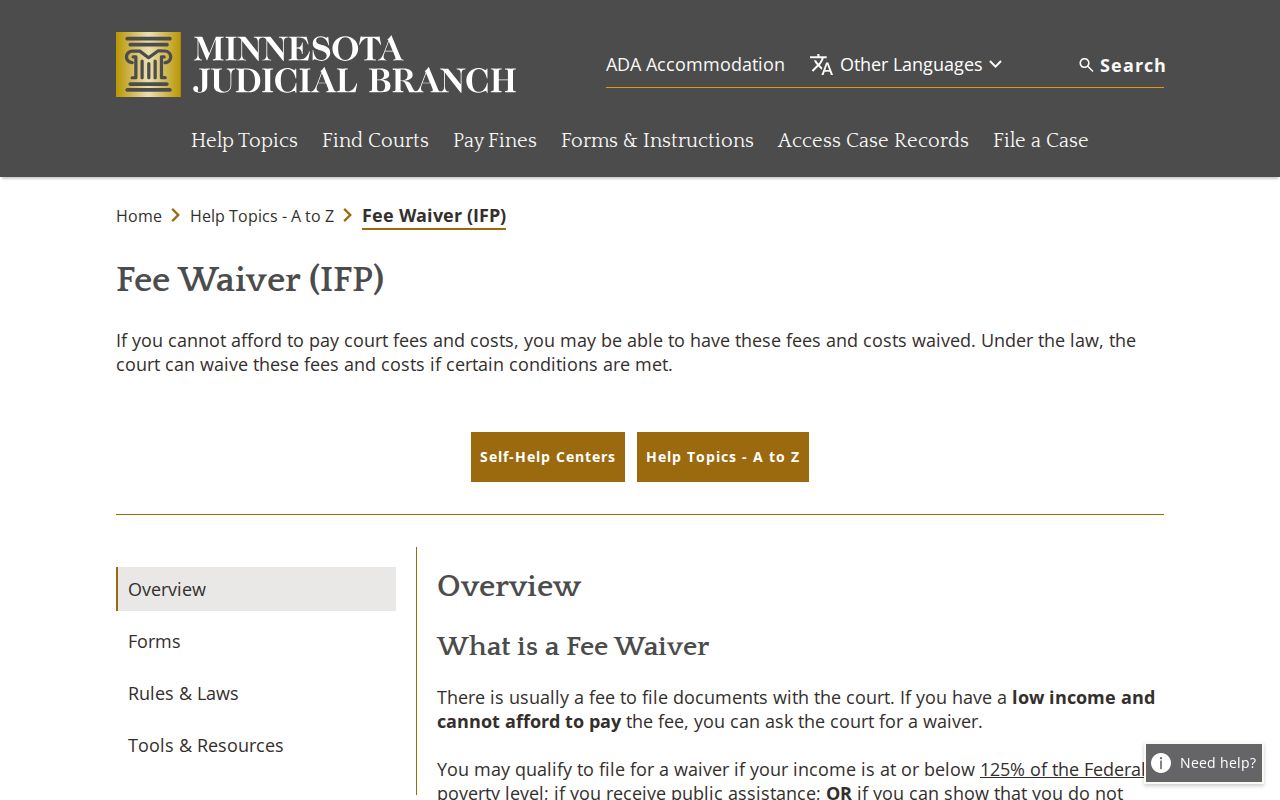
A fee-waiver process does not change the Pipestone record route. Case search, public case events, document availability, and Pipestone copy requests stay separate questions.
Pipestone Civil Docket Settings
Start with the Pipestone County Weekly Public Court Calendar when you need a civil setting. The PDF shows hearings set for each courtroom. It does not track every filing or case move. For each entry, check the date and time. Match them with the hearing location, judicial officer, hearing type, connection type, and case number. Participants get their exact appearance instructions from the hearing notice itself.
The calendar goes up every business day at 7:00 a.m. and gets hourly updates. Even so, check the printouts. The ones at the Pipestone lobby or courtroom are fresher. A missing case on the online PDF has many causes. It can mean a late change, a confidential matter, or something unscheduled. The Pipestone County court calendar walks through the county-wide setting workflow.
Pipestone Family Docket Limits
Finding a Pipestone Family case does not unlock every pleading. Rule 8 restricts remote access to party-submitted documents. The covered matters include custody, dissolution, other family, support, and post-adjudication paternity. Orders, opinions, and notices come from the court itself, and their availability can differ. A family docket may still show public events, hearings, a disposition, or limited case information.
Search with a Pipestone file number when you can. Keep private details out of ordinary messages. When the remote view falls short, ask Pipestone Court Administration. Ask about lawful inspection, a copy request, or a court-order route. A restriction, a missing electronic image, and a sealed record are three different things.
Note: Court Administration can explain custody and copy options. No request overrides a seal, a protective order, or a Rule 8 restriction.
Pipestone Civil Docket Public Access
Minnesota Rule of Public Access 8 draws a line between inspecting a record at the record custodian and viewing it remotely. The rule shields identifiers. These include Social Security numbers, financial account numbers, phone numbers, and certain addresses. It also imposes category-based limits on family, commitment, domestic-abuse, harassment, juvenile, and child-protection material. So the specifics matter. They matter far more than the loose claim that court files are all online.
The Minnesota court-access rule, not a generic county data request, controls a Pipestone District Court ROA and its public documents. If MCRO has no image, use the courthouse terminal, Court Administration, or an identified copy request as appropriate.
Minnesota Statutes section 13.03 supplies general data-practices background. Judicial Branch rules and orders still govern court-record access.
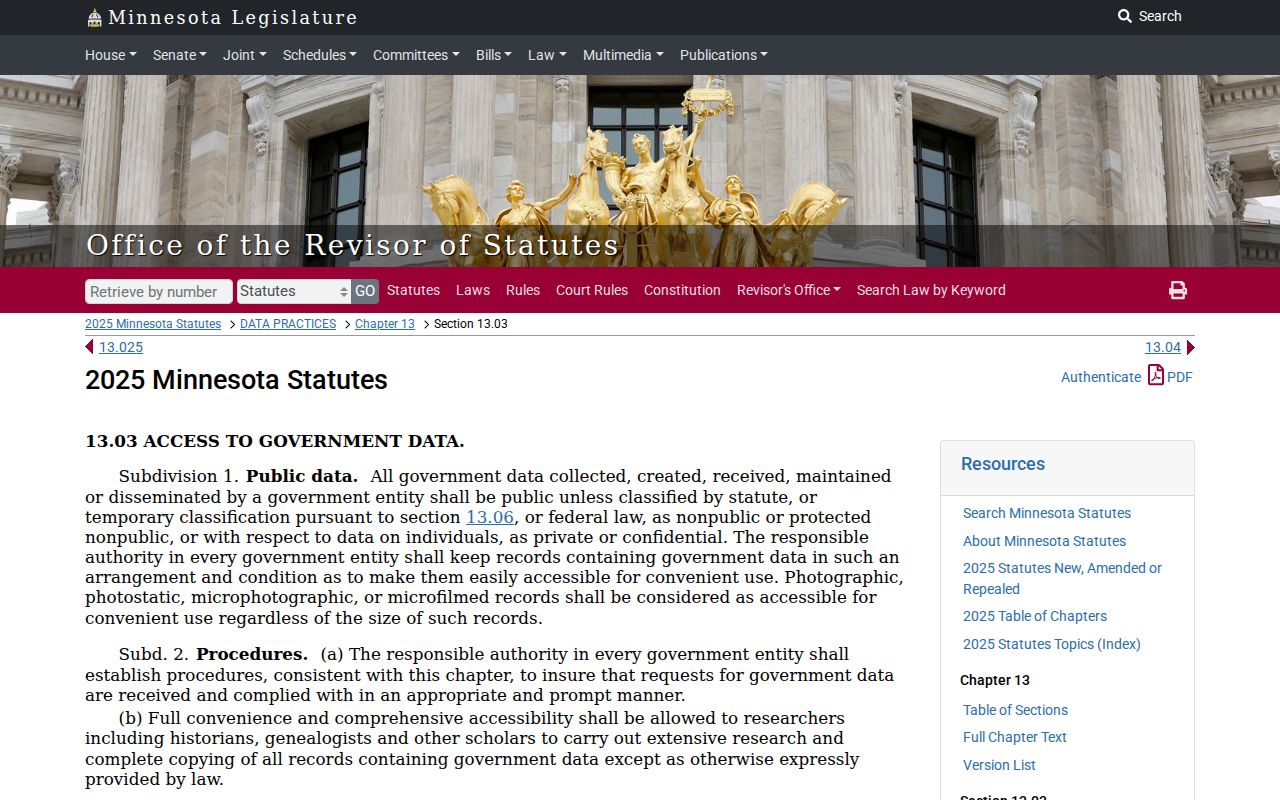
That distinction matters for a Pipestone civil docket request. It keeps the request with the Pipestone court custodian and the real Rule 8 access channel.
Pipestone Civil Docket Copy Routes
MCRO Document Search needs the full Pipestone case number. It may return a public document when one exists electronically. Older Pipestone paper records, restricted items, plain copies, and certified copies all run through the statewide Copy Request Form. Include the county, court file number, parties, and document description. Add the index or date if known, copy type, delivery method, and contact information. Pipestone Court Administration is the local custodian route.
Federal civil cases sit outside the Pipestone state docket. PACER's official pricing page describes the federal case-access service. It is not a substitute for Minnesota District Court records.
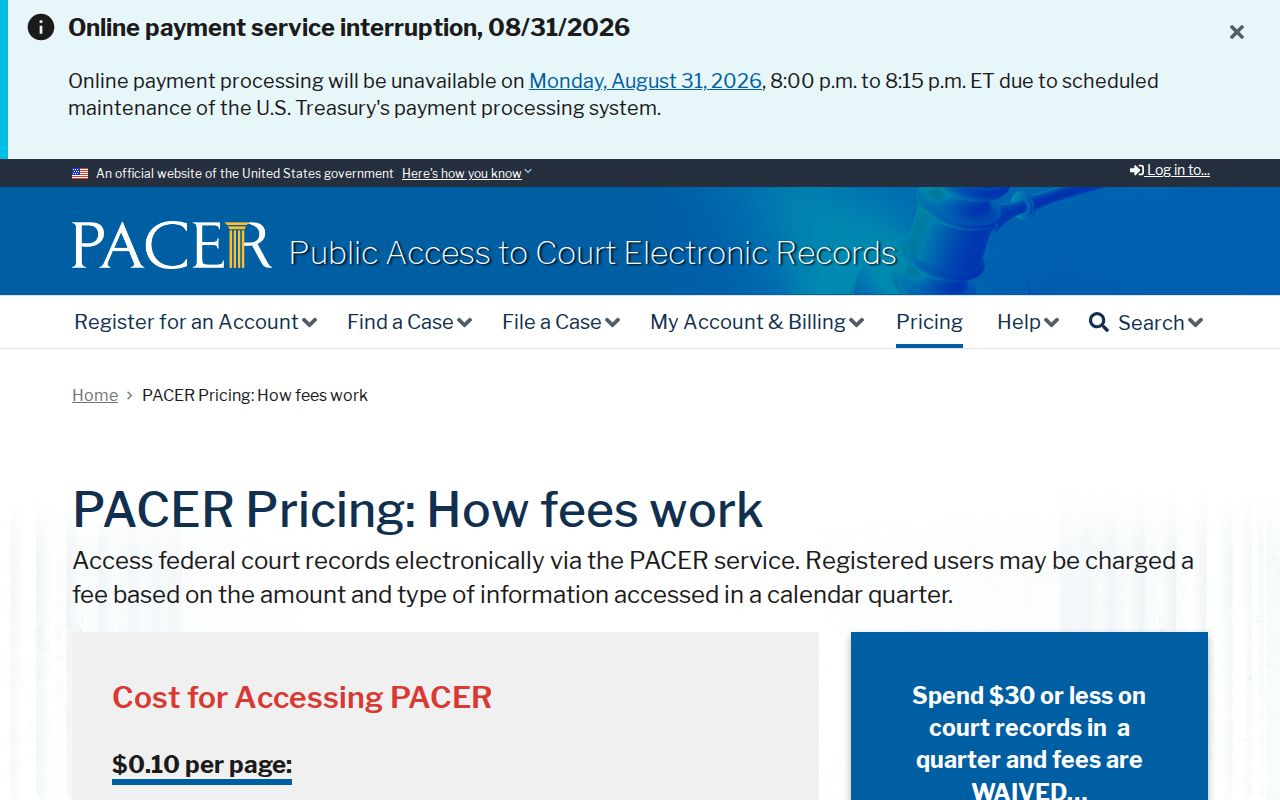
For a Pipestone state civil matter, start with MCRO. If the public web result is thin, go local through the terminal, Court Administration, or the copy form.
Delivery for a Pipestone request can run by mail, fax, email, pickup, or prepaid delivery. The statewide form spells out the copy-type instructions. Fax and email work only for plain, non-confidential copies. Certification and exemplification take direction from the Pipestone court. Those are not the same as a free MCRO download. A requested document may also be protected, sealed, or simply not held electronically.