
Searching Pipestone County Cases by Name
Begin at MCRO Case Search, accept the terms, and pick Name. The form handles both people and businesses. Fill in Last, First, and Middle Name fields, and add optional date-of-birth or filed-date ranges. Category checkboxes and case status narrow the hunt. A location control lets you search statewide or a single county. Choosing Pipestone from the county list keeps the results local. Remember that a name match is only a lead. So compare the Pipestone court location, the Pipestone filed date, public party details, and the Pipestone court file number before you open a record.
- Accept the MCRO terms and select the Name search mode for a Pipestone case.
- Enter the public name details and select Pipestone in the specific-county location controls.
- Use a Pipestone case category, status, or filed-date range only when it helps narrow the result.
- Open View Case Details for the most useful Pipestone public record rather than relying on the result list.
- Compare the Case Information for Pipestone, party roles, events, hearings, and dispositions before treating a record as a match.
| Field Label | Type | Required | Use in a Pipestone search |
|---|---|---|---|
| Last Name | Text | Unspecified | Use an exact name or a permitted trailing wildcard. |
| First / Middle Name | Text | No | Add them to narrow a common Pipestone name. |
| Sounds Like | Checkbox | No | A phonetic option that cannot be combined with a wildcard. |
| Date Filed | Date choice and inputs | No | Use an exact Pipestone date or range when it is known. |
| Case Category | Checkboxes | No | Select Civil, Criminal, Family, or Probate or Mental Health for the Pipestone case. |
| Court Locations | County selector | No | Select Pipestone from Minnesota's statewide county list. |
Pipestone MCRO Search Modes
MCRO is not a separate Pipestone County portal. It is the statewide Minnesota District Court system. It offers four Case Search modes: Name, Case Number, Citation Number, and Attorney. Document Search, Hearing Search, and Judgment Search each live on their own official pages. Pick the mode that fits your identifier. Forcing every question into a name search wastes time. A Pipestone hearing question starts with Hearing Search. A request for a specific Pipestone document starts with the case number in Document Search. The official MCRO Case Search page shows the statewide public entry point used for a Pipestone County case search.
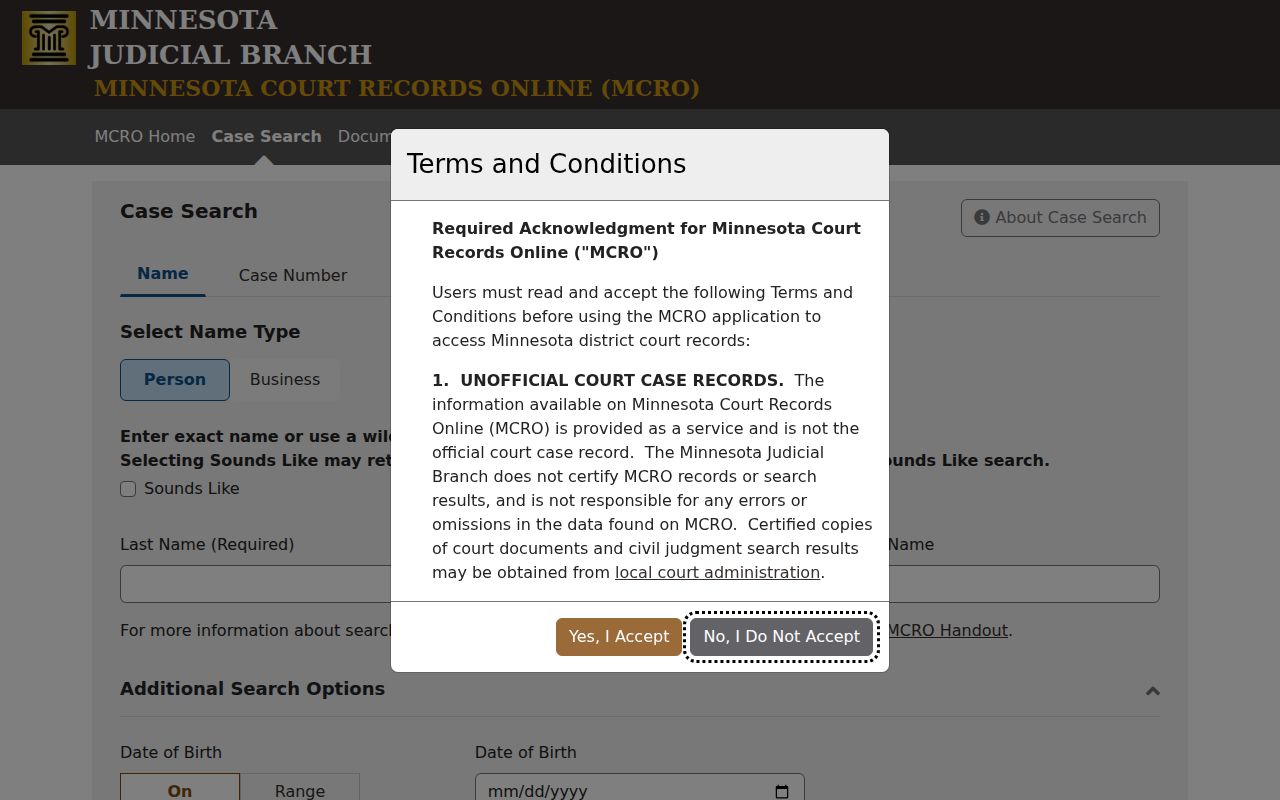
You must accept the terms before any Pipestone search. No registration is required, and the system warns you at 28 minutes before its 30-minute inactivity timeout ends the session.
Searching Pipestone Cases by Case Number
The best identifier is a full Minnesota court file number. In MCRO Case Number mode, type it with no spaces. Use only numbers, hyphens, and letters. A Pipestone calendar may show a redacted shape like 67-CR-26-##. The county code, case type, year, and sequence point to the Pipestone file. Use the real complete number from a Pipestone notice or court record. Never guess at one. Citation Number mode works differently. A typical Pipestone traffic citation carries a preprinted 12-digit number. It sits near the top of the ticket or by the barcode. A brand-new citation may not show up right away. The official pay-a-fine information says entries can take up to seven days to appear, and most arrive within seven business days. If yours is missing, ask the Pipestone local court or the Court Payment Center. Do not keep searching over and over.
Pipestone Case Search Tools
The wildcard and Sounds Like tools do different jobs in Pipestone searches. A trailing wildcard, placed after at least two characters, widens an exact-name search. Sounds Like matches similar-sounding names. But it requires the same first letter, and it cannot run with the wildcard. Both tools can flood you with Pipestone results. So bring back useful limits with the county, category, and filed-date controls.
- Case Number
- The Minnesota court file number. It is the preferred route when known and has no spaces in MCRO.
- Sounds Like
- A name-search expansion that may return more results. It is not proof of identity.
- Trailing wildcard
- An asterisk placed after at least two characters to broaden a name search. It cannot be paired with Sounds Like.
- Case category
- A search filter such as Civil or Criminal. It describes the record type, not an outcome.
A Pipestone search can return up to 200 records, listed newest first by default, with an option to reorder Oldest First. A big result set is a signal to add solid case details. It is never a reason to assume the first hit is your case.
What a Pipestone County Case Search Returns
A public Pipestone result opens into Case Details. That view gathers the overview and Case Information. It also collects Party Information, charges or claim details, hearings, Case Events or Register of Actions, dispositions, financial information, and any related cases where available. When a document exists, an event may show a document index number. The View Document button appears only for public electronic documents the system can provide.
| Case Number | The court file number that ties the result to the Register of Actions, document search, and hearing information. |
|---|---|
| Case Information | Title, case type, filed date, court location, judicial officer, status, citation number when applicable, and related cases. |
| Party Information | Public roles and limited identifying details, subject to rule-based suppression. |
| Case Events / ROA | Chronological public filings and proceedings, normally newest first. |
| Hearings | Upcoming and previous hearing information, with a same-day item sometimes remaining under Upcoming until updated. |
| Dispositions / Financials | Outcome and separate financial information. A status is not a substitute for the disposition. |
For a scheduled Pipestone matter, check three things together: the hearing list in Case Details, the Pipestone public calendar, and your hearing notice. The calendar only lists settings. It is not the complete case file.
Pipestone Case Details and ROA
View Case Details is the route from a Pipestone result to the Register of Actions. Start with the Case Information for Pipestone, including court location and file number. Then work through Case Events from newest back to the original filing, review the hearings, and check the disposition or judgment information on its own. This order prevents common misreadings. A criminal charge in the Pipestone court docket is not an outcome, and a Closed status does not mean the charge was dismissed. The official MCRO Hearing Search shows the separate lookup used to cross-check a Pipestone case setting by name, case number, judicial officer, or attorney.
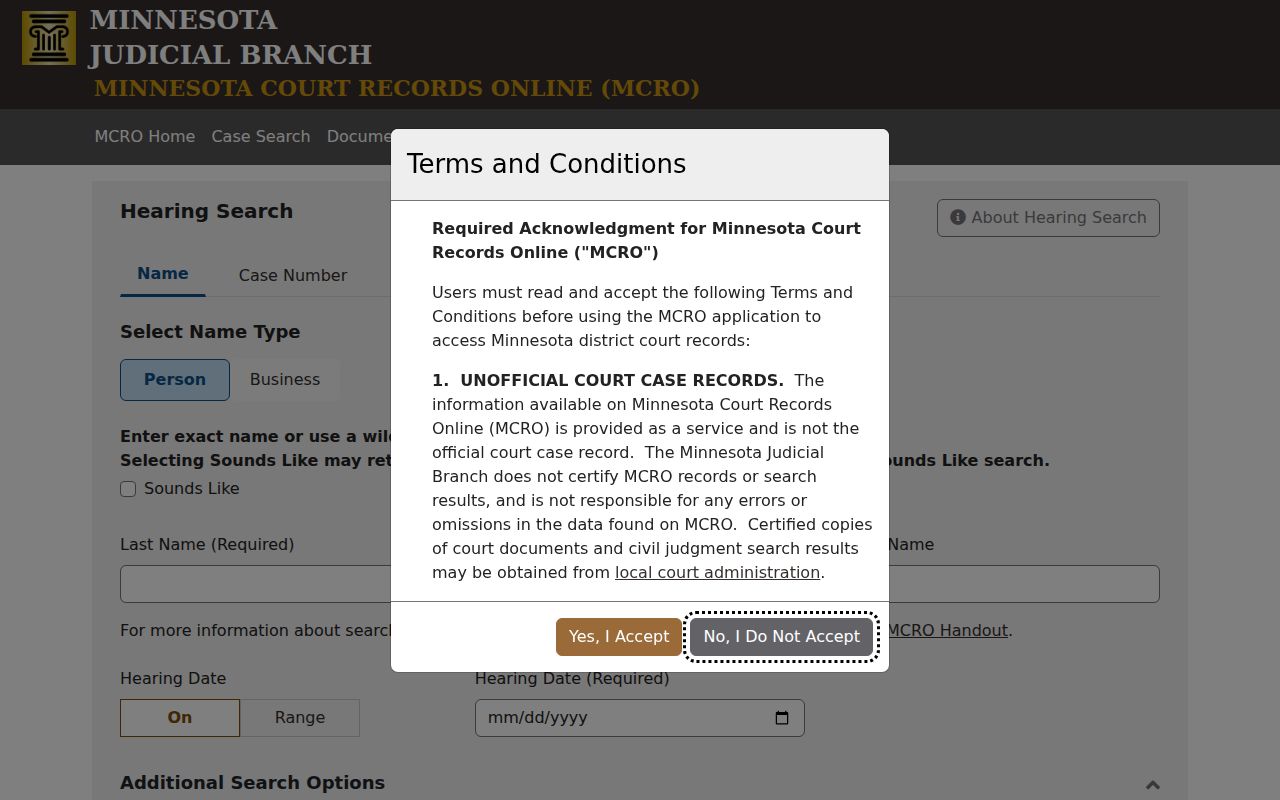
A Pipestone hearing result gives the hearing type and date, then links back to Case Details. When a date is close, or public views disagree, confirm with the Pipestone notice or the Pipestone court administrator.
Pipestone County vs Statewide Case Search
Pipestone offers no separate county-run public docket search in the official sources. MCRO is statewide, and its specific-county control is what narrows a search to local cases. For more complete electronic district-court access, subject to public-access rules, use the public access terminal at the Pipestone courthouse, now called MNPAC.
| Official route | Coverage | Best use |
|---|---|---|
| MCRO Case Search | Minnesota district-court public search, with a Pipestone filter | Find a public case by name, file number, citation, or attorney. |
| MCRO Hearing Search | Statewide hearings, with date, category, and county controls | Locate a public setting by case, name, officer, or attorney. |
| Pipestone calendar PDF | Scheduled public Pipestone hearings | Check a current public calendar row and its field set. |
| Courthouse MNPAC terminal | Statewide electronic district-court access at the courthouse | Follow up on material missing from remote access. |
Federal matters run through PACER/CM-ECF, and state appeals go through the Minnesota appellate access route. Neither tool is a Pipestone County district-court MCRO search.
Pipestone Case Search No-Result Routes
A no-result page has many causes. The name may be misspelled. It may be formatted oddly, or the case number may carry a stray space. The citation may not have been entered yet. Protected categories can block results too. So can a pending criminal name-search limitation, older non-electronic records, retention limits, and items outside remote access. An empty screen never proves a court record does not exist. Check the search mode and identifier first. Then turn to the public access channels that match the case details you already know.
For a Pipestone County record missing from MCRO, try the courthouse MNPAC terminal, ask Court Administration whether inspection is permitted, and submit an identified copy request if appropriate. A copy request does not override a seal or protected-record rule.
Pipestone Court Administration sits at 416 S. Hiawatha, Pipestone, MN 56164, and answers the phone at (507) 690-7004 on weekdays from 8:00 a.m. to 4:30 p.m. Staff there can explain how court records and calendars are routed. A federal caption calls for a different system, not more digging through a Minnesota district-court search.
Pipestone Case Access and Restricted Cases
Minnesota Rule of Public Access 8 controls both remote access and inspection at the courthouse. The rule keeps protected identifiers off public remote display. Several case types are also held back. These include domestic-abuse, harassment, civil-commitment, child-protection, certain juvenile, and family material. The rule also bars pending criminal matters without a conviction from defendant-name electronic search results.
So a public case may still carry a restricted name. It can show limited Case Details or no View Document button. Depending on the rule and the record, the lawful next route might be a courthouse terminal. It might instead be Court Administration, or a specific order. Certified copies come only from Court Administration. An MCRO printout or downloaded file is unofficial.
Note: Never send sensitive identifiers in an ordinary email. Do not assume a protected case can be released through a general public case search.
Pipestone Document and Judgment Searches
Document Search needs a full case number. It shows a public document only when that document exists electronically. Judgment Search works differently from a general case search. You query by judgment debtor name, with docketed-date controls, judgment status, and county filtering. Judgment Details can display case information, parties, the award or status, satisfactions, and interest. The full history still lives in the Register of Actions.
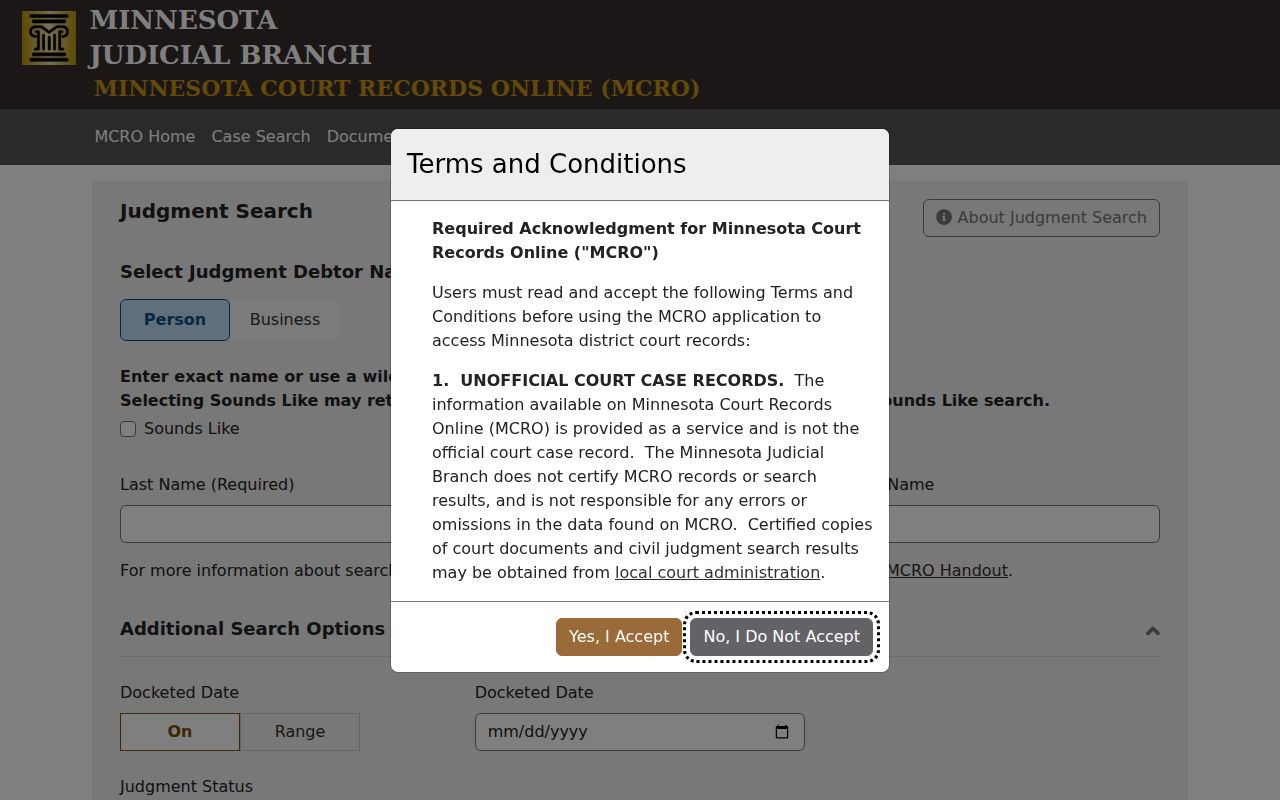
MCRO Judgment Search is the official page for a Pipestone County judgment question.
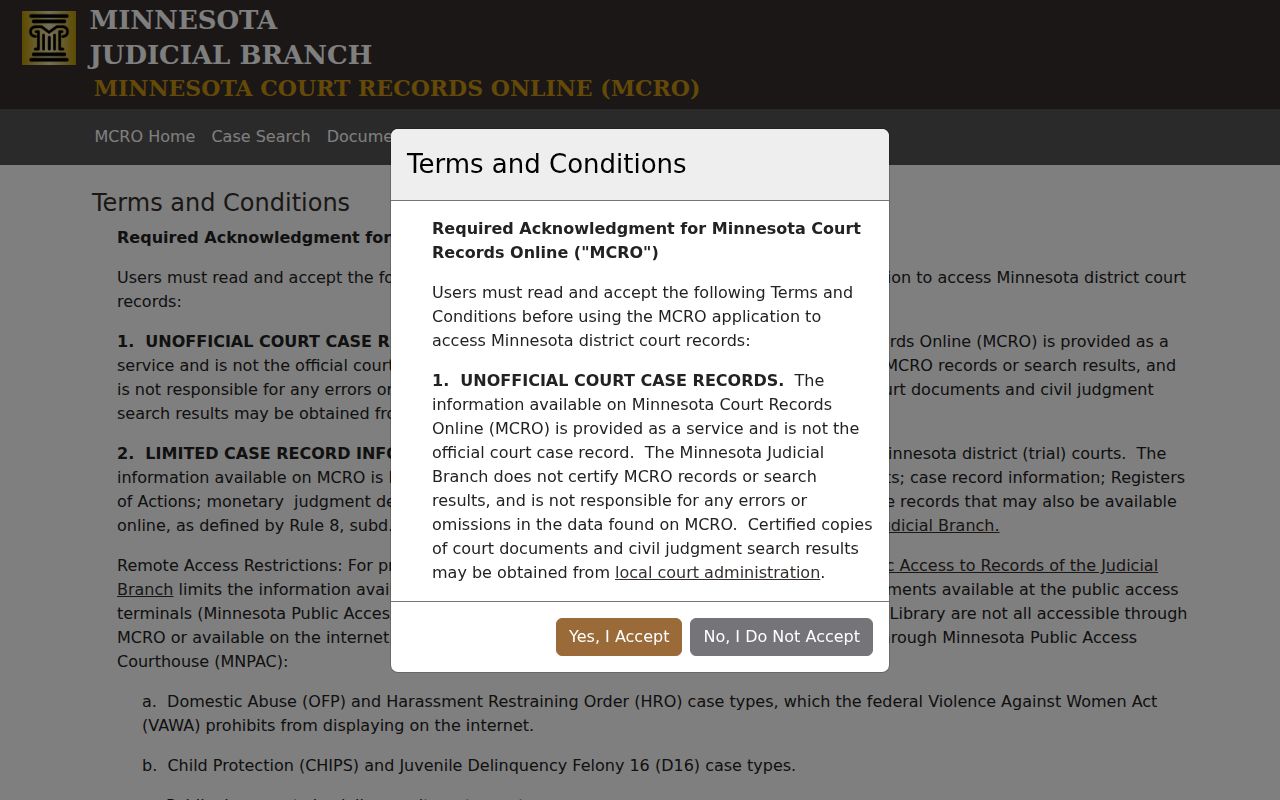
The MCRO terms page sets out the acknowledgement required before using the public search tools.
Judgment details, public documents, and case events each answer a different question. Once the Pipestone case search identifies the court file and document, an official copy goes through the statewide copy-request process. That process routes the request to Pipestone Court Administration.
The copy form allows mail, pickup, prepaid delivery, and fax or email for plain, non-confidential copies under its directions. A certified or exemplified record needs the local court's instruction. These channels serve a focused record request. They are not a replacement for the MCRO case lookup.